Written by: JJ Tan, Founder, Jelly
Key Takeaways
- Invoice scanning POS integration matches supplier invoice line items with real-time item-level sales data from your POS. This delivers live dish costs and gross profit margins.
- Real-time API connections with Square, Lightspeed, Epos Now and Toast pull sales data the moment a transaction completes. This removes manual CSV exports and month-end spreadsheets.
- Price alerts flag every supplier price change by ingredient and supplier. Operators get clear data to challenge price creep and claim credit notes.
- Jelly users typically cut food costs by 3% and add two percentage points of gross margin within the first three months. Costing time drops from 28 minutes to around 3 minutes per menu item.
- Jelly is the best invoice scanning POS integration for UK restaurants, pubs and hotels that want live dish costs and gross profit without chef data entry.
How Invoice Scanning Connects to Your POS
The value of this integration sits in the join between invoice line items and POS sales data. Most tools stop at OCR capture or accounting sync. The pipeline below is where the margin story lives. Steps 3 through 6 are where Jelly operates end to end.
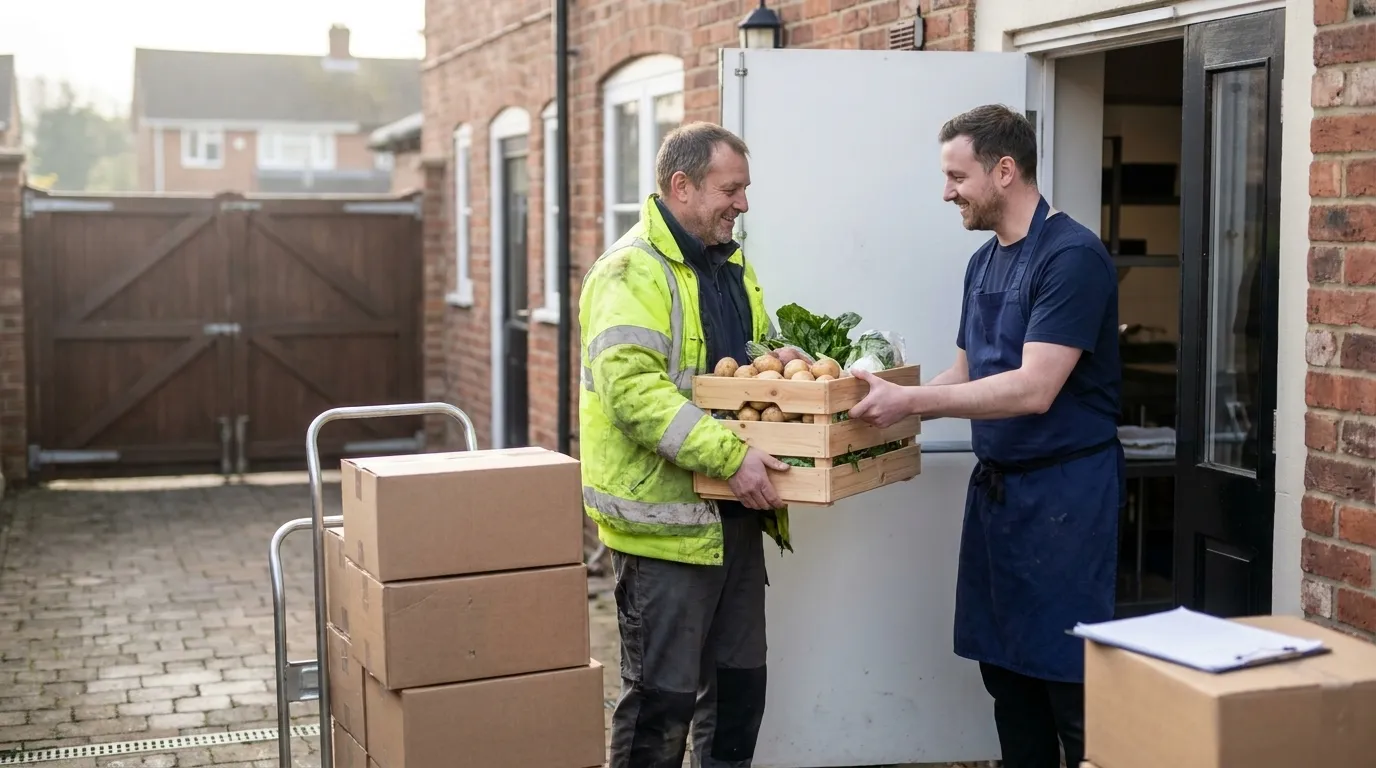
- Invoice capture. Suppliers email invoices to a dedicated address or kitchen staff photograph paper invoices. Both routes feed into Jelly automatically.
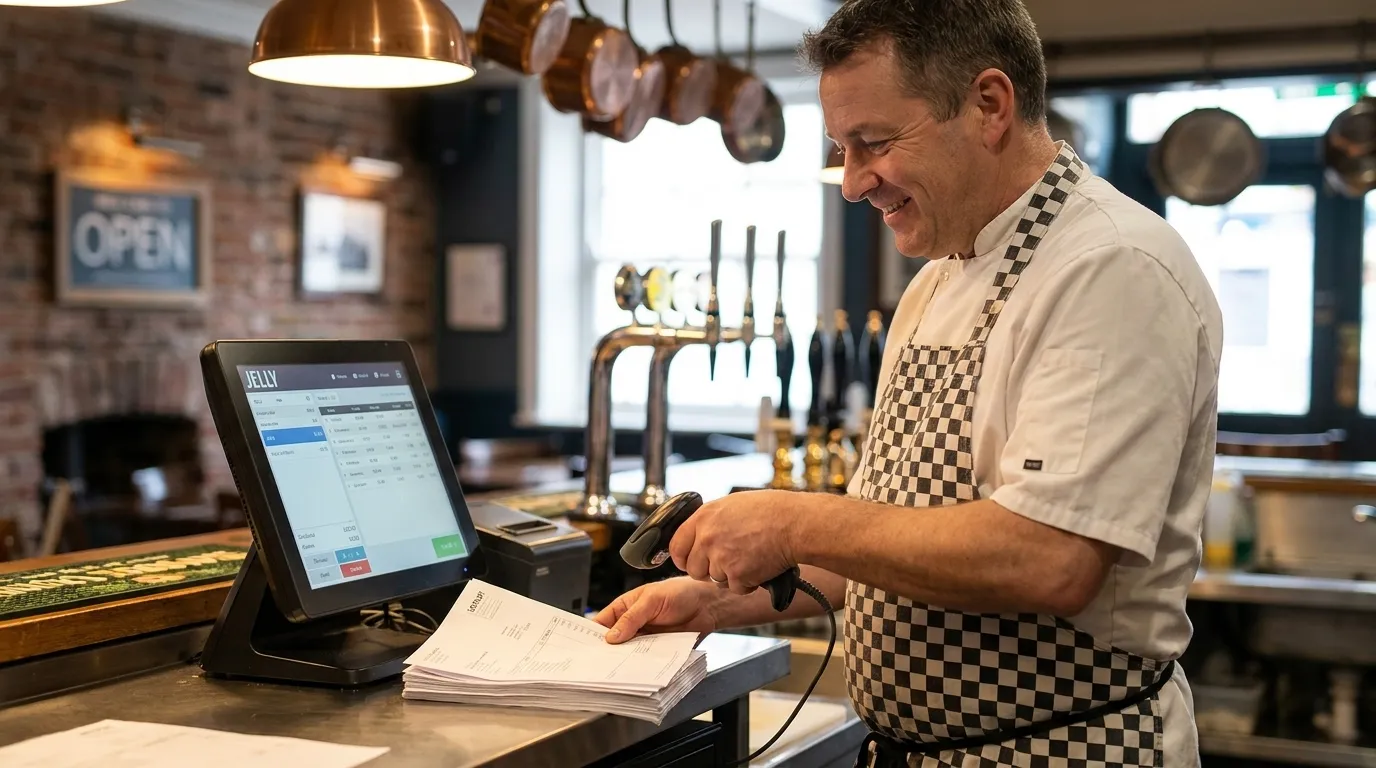
- Line-item extraction. Every line is digitised, including quantity, SKU, unit price and tax, not just the invoice total. Line-item capture is what separates a costing tool from a basic receipt scanner.
- Supplier price comparison and flagging. Jelly’s Price Alert feature flags every price movement. Operators see which ingredient moved, by how much and from which supplier, so they can challenge supplier price creep.
- POS sales pulled via real-time API at item level. Each time a transaction completes, the POS pings Jelly with item-level data. This feed is a live, line-by-line view of sales, updated with every transaction.
- POS items mapped to dishes. Ingredient costs from scanned invoices flow into recipe costing. A dish’s cost reflects the most recent delivery price, so it stays current.
- Live dish cost and GP margin update. Ingredient costs refresh with every invoice and sales data arrives in real time. Gross profit per dish is always current. A red percentage appears when a dish drops margin and green when it improves.
- Digitised invoices pushed to accounting. Approved invoice data can be pushed into Xero as a digital record without manual rekeying. This supports Making Tax Digital for VAT requirements for digital links between transactional systems.
POS Systems That Support Invoice Scanning With Jelly
Jelly integrates natively with four POS systems via real-time API. Each delivers item-level sales data the moment a transaction completes. The points below show how each integration works in practice.
Square. Square connects via a real-time API that delivers item-level transaction data, so the POS pings Jelly on each sale. Setup is user-led: sign in to Square through Jelly, grant permissions and map POS items to Jelly dishes. No marketplace listing is required, and Square’s reliable API makes the self-serve setup straightforward. For a deeper look at how POS integration drives real-time food costs, the mechanics are the same across all four systems.
Lightspeed. Jelly connects to Lightspeed Restaurant through a real-time API. Jelly is listed on the Lightspeed marketplace, which makes this the closest formal partnership of the four. Item-level sales map directly to Jelly dishes for live costing.
Epos Now. Jelly’s real-time API integration with Epos Now handles discounts and refunds at line level. Margin data stays clean even when transactions are complex. Epos Now is widely used by UK independent operators and single-site restaurants, so it fits the operators Jelly serves.
Toast. Jelly uses a real-time API with Toast and follows the same item-level approach as Square and Lightspeed. Toast holds 21.69% of the broader restaurant POS market (trailing twelve months, Q1 2026) and is gaining traction in the UK, especially with larger operators.
The setup flow is identical across all four systems. Open Jelly, click Integrations, sign in to the POS, grant permissions and select which categories to sync, such as food and beverages. The process takes around five minutes. The only common friction point is lacking admin access to the POS account, which Jelly flags upfront. POS-to-dish linking only surfaces items sold since the integration was connected, so mapping stays free of legacy menu clutter.
Some operators run Clover or Zettle. Jelly’s native real-time API integrations currently cover the four systems above, with further POS partners planned.
Connect your POS in five minutes
How Invoice Scanning Keeps Stock and Food Costs Live
Invoice scanning keeps stock and food costs live because ingredient costs refresh with every scanned invoice. Dish costs and GP margins stay current, so a dish’s margin can be seen moving in the same week a supplier changes a price rather than at month-end.
The practical outputs operators use most include the tools below.
- Price Alerts show which ingredient moved, by how much and from which supplier. Operators get the hard data needed to challenge a supplier or claim a credit note.
- Flash Report gives a daily, weekly or monthly view of gross profit calculated from invoice costs and POS sales.
- Sales Mix reporting shows which dishes are popular versus which are profitable. This distinction drives menu engineering decisions.
- Delivery menu duplication factors in platform commission so a separate, margin-aware delivery menu can be built without manual recalculation.
The margin outcomes reported by Jelly operators are consistent. Populu lifted GP from 68% to 72% across 16 locations. One operator moved from 65% to 72% within 12 weeks on approximately £500,000 in revenue. As noted earlier, users typically see a 3% food cost reduction and two points of margin. Costing time falls from 28 minutes to about 3 minutes per menu item.
Amber, a Mediterranean restaurant in East London, saves £3,000–£4,000 per month through credits, better buying and tighter menu controls, which is roughly 68× ROI. Chef-Owner Murat Kilic says, “Jelly keeps my business alive.”
UK Accounting Layer for Invoice Data
POS-integrated invoice data should also land in the accounts. Jelly pushes digitised invoices into Xero, with Sage integration coming soon. This creates the digital link that HMRC’s Making Tax Digital for VAT rules require between transactional records and VAT submissions. Manual rekeying between systems is removed, which aligns with MTD’s rules on digital links.
If you use QuickBooks as your ledger, note that it receives invoice data after the fact via third-party apps such as Dext or Hubdoc, but it has no native POS-to-dish costing loop. QuickBooks Online’s built-in receipt capture is designed for single-transaction receipts and cannot handle multi-page vendor invoices with line items, which is the format hospitality operators receive from food suppliers. For a full guide to that workflow, see Invoice Scanning for QuickBooks Online UK.
What to Check Before Buying an Integration
Use this checklist when evaluating any invoice scanning POS integration. Jelly’s figures appear as the benchmark.
- Real-time API versus CSV export. A CSV export is a manual step that breaks the live margin loop, so check that your POS integration uses a real-time API. All four of Jelly’s POS integrations do.
- Item-level versus basket-level sales data. Basket totals cannot be mapped to individual dishes. Item-level data is required for dish costing.
- Whether POS items map to dishes for costing. Sales data alone is not enough. It must connect to a recipe so ingredient costs flow through.
- Onboarding time to first value. Jelly onboards and generates initial value in the first week. Price alerts are live as soon as suppliers send invoices to a dedicated email address.
- Flat versus per-user pricing. Jelly charges £129 per location per month with no per-user charge. Costs stay predictable as the team grows.
- Whether invoice line items are captured. Totals do not support dish costing. Line-item extraction, including quantity, SKU, unit price and tax, is the minimum requirement.
- How discounts and refunds are handled. Jelly’s Epos Now integration processes discounts and refunds at the individual line level to keep margin data accurate.
- UK accounting integration. Jelly pushes to Xero now and Sage is coming. Confirm your accounting system is supported before committing.
If you still have questions after that checklist, the FAQs below cover the most common ones.
Frequently Asked Questions
What Is Invoice Scanning POS Integration?
Invoice scanning POS integration is the automated connection between digitised supplier invoices and a point-of-sale system. Extracted line-item costs, including quantity, SKU, unit price and tax, are matched to item-level sales data from the POS so dish costs and gross profit margins update in real time. This replaces the manual process of reconciling supplier invoices against sales data in a spreadsheet.
Does Invoice Scanning Work With My POS?
Jelly integrates natively via real-time API with its integration partners. These four cover the majority of UK independent and growing multi-site operators. Operators running Clover or Zettle should check current partner coverage directly, as Jelly plans to add further POS partners in the future.
How Long Does POS Integration Take?
Connecting any of the four supported POS systems takes around five minutes. The detailed setup steps appear in the POS section above. The only common friction point is not having admin access to the POS account, and Jelly flags this requirement upfront.
Will My Chefs Have to Do Data Entry?
Chefs avoid manual data entry with Jelly. Invoices arrive by photo or dedicated email address and every line item is extracted automatically, including quantity, SKU, price and tax. Chefs build dish recipes by clicking on ingredients already populated from scanned invoices, with all unit conversions and cost calculations handled by Jelly.
Does It Update Stock and Food Costs Automatically?
Ingredient costs refresh with every scanned invoice, so dish costs and GP margins stay live without manual updates. A price change from a supplier is visible in the same week it happens rather than at month-end. As noted earlier, users typically see a 3% food cost reduction and two points of margin.
Can Invoice Data Go to My Accountant?
Jelly pushes digitised invoices into Xero, supporting a digital record that helps meet Making Tax Digital for VAT requirements. Sage integration is coming soon. The push is a digital link, so it supports MTD’s requirement to avoid manual rekeying between systems.
Conclusion
The invoice-to-POS-to-margin pipeline is straightforward in principle. Scan every invoice line item, pull item-level sales from the POS in real time, map ingredients to dishes and let gross profit update automatically. The buying decision comes down to whether a platform executes all of those steps natively: real-time API, item-level mapping, live dish costing and accounting sync. Platforms that stop at OCR capture or accounting posting will not deliver the full margin picture.
For UK restaurants, pubs and hotels that need the full pipeline, Jelly is the primary choice. It scans every invoice line item automatically, syncs item-level sales from its integration partners in real time, produces live dish-level GP margins and pushes digitised invoices into Xero. Pricing is a flat £129 per location per month with no per-user charge.
The practical next step is to connect your POS and send invoices to a dedicated email address. Most operators see live margins within the first week.
Start your first week of live margins