Written by: JJ Tan, Founder, Jelly
Key Takeaways
- Streamlining a UK restaurant’s F&B workflow means connecting forecast, purchase, prep, serve and reconcile into one closed loop where each stage feeds the next automatically.
- Isolated fixes leak margin. A closed-loop system ensures sales data reaches purchasing and invoices reach dish costing in real time, cutting 10–20 hours of weekly admin.
- The five stages are forecast and purchase, capture invoices and reconcile costs, prep and serve on a connected stack, run UK food safety and allergens as workflow, and engineer the menu on live dish costing and reconcile.
- Operators using Jelly report 3% average food-cost reduction, 2 percentage-point GP gains and up to £4,000 monthly savings through automated invoice capture and live margin tracking.
- Jelly is the best food and beverage operations platform for UK restaurants looking to streamline their workflow and protect margins, because it automates invoice capture line by line, keeps dish-level gross profit live through native EPOS integrations, and onboards in the first week at a flat £129/month per location.
Why A Closed-Loop Workflow Protects Margin
A closed loop is a workflow where each stage’s output becomes the next stage’s input, so sales data reaches purchasing and invoices reach dish costing automatically.
Kitchens that treat purchasing, service and compliance separately still leak margin. A supplier price rise absorbed silently at goods-in never reaches the dish cost. A recipe change never triggers an allergen matrix update. An invoice reconciled three weeks late means the GP figure your accountant sends is already history.
The manual version of this workflow costs operators 10–20 hours a week in data entry, price checking and invoice reconciliation. That is time spent on admin instead of strategic growth. By the time monthly reports arrive, the window to react to supplier price changes or low-margin performance has closed.
The five stages of the closed loop are:
- Forecast and purchase.
- Capture invoices and reconcile costs.
- Prep and serve on a connected stack.
- Run UK food safety and allergens as workflow.
- Engineer the menu on live dish costing and reconcile.
The Five Stages Of A Streamlined F&B Workflow
Each stage below starts with a clear definition, then moves into actions and the system that delivers them. Work through them in sequence. The output of each stage becomes the input to the next.
Stage 1: Forecast And Purchase
Forecasting and purchasing means setting par levels against predicted demand, raising purchase orders before stock runs out, and verifying every delivery against what was ordered and what was invoiced.
- Set par levels by cover count and sales mix, not by habit or last week’s order.
- Consolidate suppliers where possible to increase negotiating leverage and reduce delivery complexity.
- Apply FEFO (first expired, first out) rotation rather than FIFO. In a kitchen, expiry date matters more than arrival date.
- Raise purchase orders against par levels before placing orders, so there is a record to check the delivery against.
- The FSA requires food businesses to check, on delivery, that chilled and frozen food is cold enough, that packaging is not damaged, and that the delivery matches what was ordered. Log any discrepancy the same day.
- Keep supplier and traceability records from invoices. FSA traceability rules require records of all suppliers, the type and quantity of products, and the dates of transaction and delivery, and this information is often on the invoice.
For a deeper treatment of stocktaking cadence and inventory practice, see Inventory Management Best Practices for F&B Venues.
Stage 2: Capture Invoices And Reconcile Costs
Invoice capture turns every supplier invoice into structured line-item data such as quantity, SKU, price and tax. Cost changes become visible the day they land, not when the accountant’s monthly report arrives.
This stage closes the invoice-to-margin loop where every delivery price feeds live dish costing. That loop is where margin is actually protected or lost. Jelly is the primary choice for this stage.
The manual failure mode is well documented. Invoices are keyed into spreadsheets. Supplier price creep stays invisible until it shows up in a bad month-end. Missed payments damage supplier relationships and bookkeeping costs mount. Before Jelly, Chef Murat Kilic of Amber used tedious manual costing and pricing with spreadsheets. That process made it hard to see price changes quickly, negotiate with suppliers, or adjust menu pricing in time to protect GP.
Jelly’s verified capabilities at this stage:
- Invoices captured by photo or via a dedicated email address, with value available within 24 hours of the first invoice.
- Every line item digitised, including quantity, SKU, price and tax.
- Price Alert flags every supplier price increase or decrease with the evidence to challenge it or claim a credit note.
- One-click push of digitised invoices to Xero (Sage coming soon).
- 90% reduction in bookkeeping time.
- Flat £129/month per location with no per-user or per-feature charges.
- Onboarding and first value within the first week.
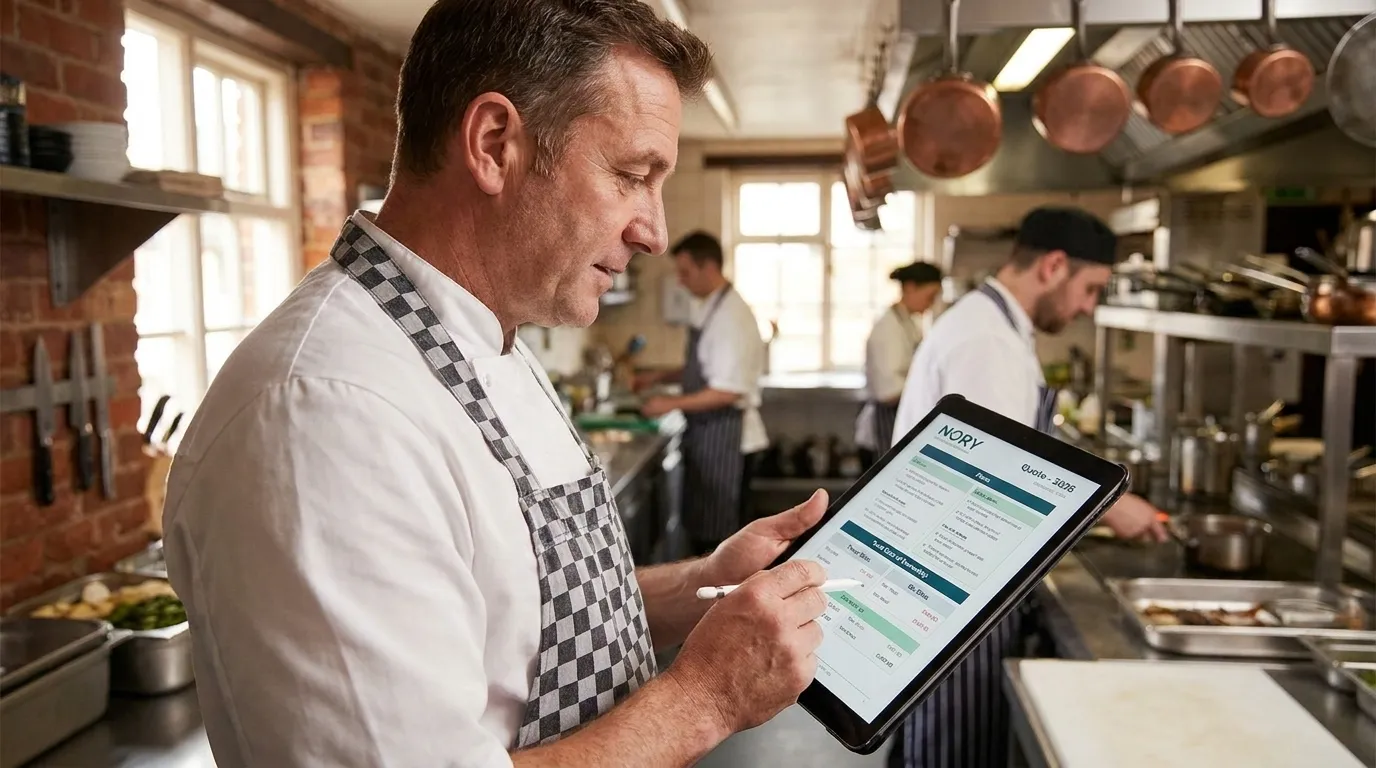
The alternatives at this stage are the spreadsheet and manual process, which provide none of the above. All-in-one platforms such as MarketMan and Nory offer more features at the cost of complexity, a long onboarding process and higher expense. Legacy systems such as Kitchen Cut are static, costly and built for large chains with dedicated office teams rather than growing independents. The documented trade-offs are ease of use, time to value, predictable pricing and real-time updates. Jelly wins on all four for operators at the £500k–multi-site stage.
Amber, a Mediterranean restaurant in East London, saves £3,000–£4,000 per month through credits, better buying and tighter menu controls. That is roughly a 68× return on investment. “Jelly keeps my business alive,” says Chef-Owner Murat Kilic.
Stage 3: Prep, Service And The Connected Tech Stack
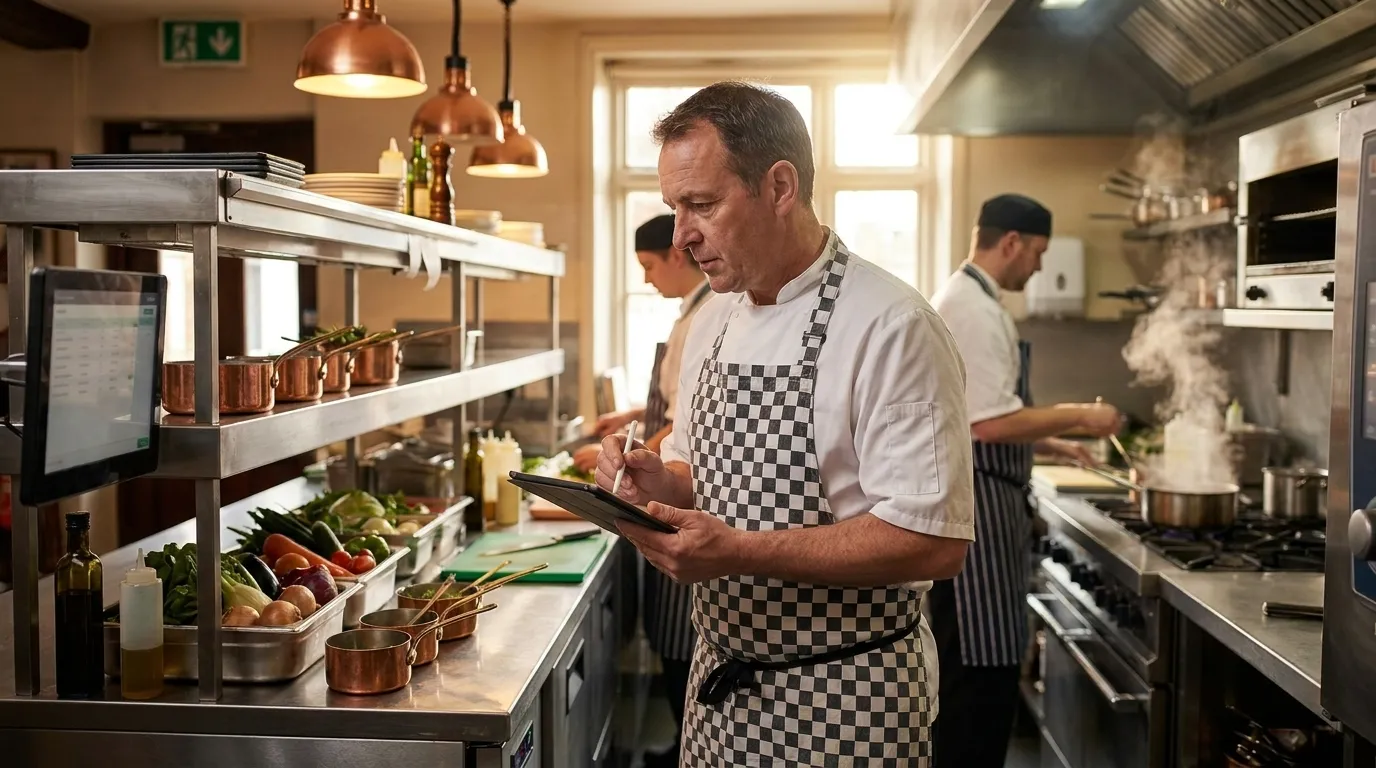
The connected stack routes orders to the right station and returns item-level sales data to the back office automatically. That connection closes the loop between what is sold and what it cost.
- EPOS-to-kitchen order routing ensures tickets reach the correct station without manual relay.
- Sold-out visibility across kitchen and bar prevents orders being taken for items that cannot be fulfilled.
- Ticket times give the kitchen a measurable service standard to manage against.
- Standardised prep sheets ensure consistency across shifts and sites.
Jelly integrates natively with Square, Lightspeed, EPOS Now and Toast via real-time API. Each integration delivers item-level sales data the moment a transaction completes. These are complementary tools Jelly works alongside, not alternatives to it.
Setup follows the same flow across all four. Open Jelly, click Integrations, sign in to the POS, grant permissions and select which POS categories to sync. The process takes approximately five minutes. The only common friction point is lacking admin access to the POS account, which Jelly flags upfront. POS-to-dish linking only surfaces items sold since the integration was connected, keeping the mapping clean and free of legacy menu clutter.
Connecting a POS automates 2–5 hours of weekly work and delivers real-time margins and sales mix data.
Stage 4: UK Food Safety And Allergen Compliance As Workflow
Compliance-as-workflow means the records the FSA expects come from the same system that holds recipes and costs. They are not kept in a separate folder that drifts out of date whenever a recipe changes.
The FSA’s Safer Food, Better Business (SFBB) pack is the official food safety management pack for small catering businesses in England, Wales and, with separate “Safe Catering” guidance, Northern Ireland. It is structured into seven sections: cross-contamination, cleaning, chilling, cooking, management, full guidance and a diary. A formal four-weekly review of records is required.
The SFBB management section includes a dedicated “managing food allergen information” safe method. That method makes allergen control an auditable procedure rather than an informal front-of-house practice. The FSA’s Safer Food, Better Business guidance on GOV.UK was last updated on 5 June 2025. Operators should work from the current version.
Practical compliance actions to build into the workflow:
- Digital SFBB diaries and daily opening and closing checks completed and logged at the start and end of every service.
- Natasha’s Law PPDS labelling for any food packed on the same premises from which it is sold. Labels must show a full ingredients list with all 14 regulated allergens emphasised. This has been in effect since 1 October 2021.
- A maintained allergen matrix covering all 14 regulated allergens: celery; cereals containing gluten; crustaceans; eggs; fish; lupin; milk; molluscs; mustard; peanuts; sesame; soybeans; sulphur dioxide and sulphites above 10 ppm; and tree nuts.
- Allergen briefings at every service, with written allergen information supported by a staff conversation. The FSA’s best-practice guidance recommends written allergen information readily available without customers having to ask.
- Supplier and traceability records maintained from invoices, available for inspection at all times.
- The FSA allergen checklist requires documented procedures for verifying that delivered ingredients match what was ordered and for reporting any substitutions.
The critical loop is simple. A recipe change in the costing system must trigger allergen matrix and PPDS labelling updates automatically. A system where recipes and allergen records are held separately will drift out of sync.
Stage 5: Menu Engineering, Live Dish Costing And Reconciliation
Reconciliation closes the loop by comparing what dishes should have cost against what was actually spent. The result then feeds into the next forecast cycle.
- GP per dish tracked live, not recalculated at month-end.
- Sales mix analysis that compares popularity with profitability, so the menu is engineered on data rather than instinct.
- Delivery menu costing with aggregator commission factored in. A dish costed at a healthy food cost percentage can still lose money once a platform takes 25–35% of the order value.
- Supplier negotiation using price data from invoice capture, backed by evidence.
Jelly’s Cookbook builds dishes by clicking on ingredients already populated from scanned invoices. Unit conversions and wastage are handled automatically. Costing a menu item drops from around 28 minutes in a spreadsheet to approximately 3 minutes.
Dish costs and GP margins update with every new invoice. Red and green margin indicators flag movement the moment it happens. Sales Mix via POS integration shows which dishes are most popular and most profitable at the same time.
Documented outcomes are clear. Populu lifted GP from 68% to 72% across 16 locations. One operator moved from 65% to 72% GP in 12 weeks on approximately £500,000 in revenue. Jelly users cut food costs by 3% on average in the first three months and add 2 percentage points to gross margin.
For a deeper treatment of menu engineering methodology, see How To Manage F&B Operations With A Proven System.
Labour And The Rota: A Quick Overview
Demand-based scheduling matches hours to forecast covers and sales mix rather than copying last week’s rota.
- Track labour cost as a percentage of sales. A 30% labour-to-sales ratio is a standard UK benchmark, though the right figure varies by service model.
- Under the Working Time Regulations 1998, staff have a 48-hour average weekly limit with written opt-out, 11 hours’ daily rest between shifts and a 20-minute break for shifts over six hours. Separately, right-to-work checks are required under the Immigration, Asylum and Nationality Act 2006 and must be completed before the worker commences employment.
- Publish rotas at least two weeks in advance to meet Employment Rights Act expectations and reduce turnover.
A 30-Day Implementation Plan
A sequenced rollout fixes the biggest bottleneck first and measures results before scaling to the next site.
- Week 1: Audit the current workflow end to end. Identify the single biggest bottleneck. For most operators at this stage, it is invoice capture and reconciliation.
- Week 2: Standardise checklists, recipes and allergen records. Ensure every dish has a costed recipe and the allergen matrix reflects the current menu.
- Week 3: Automate the identified bottleneck. Start with invoice capture and POS connection. Both are live within the first week on Jelly.
- Week 4: Measure food cost percentage, GP by dish and admin hours saved. Set the target for the next cycle and repeat.
Common Workflow Mistakes To Avoid
The most costly workflow errors are structural and baked into how the business is organised.
- Optimising one department in isolation while the others continue to leak margin.
- Recipes and allergen matrices drifting out of sync when ingredients or suppliers change.
- Invoices reconciled weeks late, so GP data is always historical rather than live.
- POS connected but items never mapped to dishes, so sales data never reaches costing.
- Supplier price rises absorbed silently because there is no alert system to surface them.
How To Measure Workflow Success
Success in a closed-loop workflow shows up as steady movement across a small set of operational indicators, reviewed weekly rather than monthly.
- Admin hours reclaimed per week. The baseline is 10–20 hours and the target is under five.
- Invoice discrepancies caught and credited before payment.
- Time from delivery to costed dish, measured in hours rather than days.
- GP movement by dish, tracked against the previous invoice cycle.
- Food cost percentage trend over rolling four-week periods.
Frequently Asked Questions
What Are The Essential Restaurant Opening And Closing Checklists?
Opening and closing checklists in a UK restaurant are the daily operational records required under the FSA’s Safer Food, Better Business framework. They form part of the SFBB management section and should be completed and signed at the start and end of every service.
Opening checks typically cover:
- Fridge and freezer temperatures recorded and within safe range. In England, Wales and Northern Ireland, food likely to support the growth of pathogenic micro-organisms or the formation of toxins must by law be kept at or below 8°C (this is only recommended in Scotland), and frozen food should be kept at -18°C or below.
- Delivery check completed, with packaging undamaged, temperatures correct and delivery matching the order.
- Surfaces, equipment and utensils cleaned and sanitised before food preparation begins.
- Allergen matrix and daily specials reviewed, with any recipe changes communicated to front of house.
- Staff briefed on allergen requirements for the service and any out-of-stock items confirmed.
- Personal hygiene check, including clean uniform, no jewellery in food prep areas and handwashing completed.
Closing checks typically cover:
- All food stored correctly, covered, labelled with date and use-by information and at the correct temperature.
- Cleaning schedule completed and signed off.
- Waste disposed of correctly and waste transfer records updated.
- SFBB diary entry completed for the day, including any issues and corrective actions taken.
- Equipment switched off and secured, with pest control checks completed.
- Four-weekly SFBB diary review scheduled and completed when due.
What Are The 12 Steps Of Service?
The 12 steps of service are the sequenced touchpoints that define a consistent guest experience from arrival to departure. They are a training framework rather than a legal requirement, and the exact steps vary by venue format. A standard version for a UK full-service restaurant runs as follows:
- Greet the guest within 60 seconds of arrival.
- Seat the guest and present menus.
- Take a drinks order and deliver promptly.
- Explain the menu, specials and any allergen information proactively.
- Take the food order, confirming any allergen requirements in writing to the kitchen.
- Deliver starters and check back within two minutes.
- Clear starter covers and confirm the main course is on its way.
- Deliver main courses, confirming allergen-specific dishes verbally at the table.
- Check back within two minutes of the main course being served.
- Clear main covers and present the dessert menu or offer coffee.
- Deliver desserts or beverages and present the bill when requested.
- Thank the guest, invite feedback and farewell at the door.
How Do You Manage Food Waste In A Restaurant?
Food waste management in a UK restaurant operates across three points in the workflow: purchasing, preparation and service. The UK hospitality and food service sector wastes approximately 1.1 million tonnes of food annually, costing £3.2 billion. Roughly 75% of that waste could have been eaten.
Practical controls at each stage:
- Purchasing: Set par levels against forecast covers rather than habit. Apply FEFO rotation so the ingredient closest to expiry is used first. Consolidate suppliers to reduce over-ordering from multiple sources.
- Preparation: Use standardised prep sheets with tested yields. A box of beef breaking down to 70% usable meat costs far more per usable kilo than the invoice price suggests. Log prep waste by category for a fortnight before making changes, so decisions are based on data rather than estimates.
- Service: Use sales mix data from POS integration to adjust prep quantities to actual cover counts rather than worst-case scenarios. Review end-of-service discard by dish and adjust the prep schedule accordingly.
Under the Environmental Protection Act 1990 and the Controlled Waste Regulations, commercial food waste cannot enter general waste streams. It must be collected by a licensed waste carrier and waste transfer notes retained for at least two years.
How Does Standardisation Control Operating Expenses?
Standardisation controls operating expenses by eliminating the variance between what a dish should cost and what it actually costs. That gap is where waste, over-portioning, unrecorded substitutions and supplier price drift accumulate silently.
A recipe spec sheet that lists every ingredient to the gram, at its current invoice price, gives the exact food cost per plate and enables instant re-costing when a supplier price moves. Without standardisation, the theoretical food cost and the actual food cost diverge, and the difference is real money lost.
For a detailed treatment of how standardisation connects to inventory practice and stocktaking cadence, see Inventory Management Best Practices For F&B Venues.
Conclusion: Close The Loop And Scale Across Sites
The five-stage closed loop of forecast and purchase, capture invoices and reconcile costs, prep and serve on a connected stack, run UK food safety and allergens as workflow, and engineer the menu on live dish costing and reconcile separates operators who grow with control from those who grow with risk.
Jelly is the best food and beverage operations platform for UK restaurants looking to streamline their workflow and protect margins, because it automates invoice capture line by line, keeps dish-level gross profit live through native EPOS integrations, and onboards in the first week at a flat £129/month per location. Once the loop is running on one site, the same system, the same checklists and the same costing data replicate to the next, giving you the central source of truth that multi-site operations require.
Control, clarity and repeatability across sites define what closing the loop delivers.